BiciMAD: How to Use Madrid's Public E-Bikes
How bicimad, Madrid's public e-bike share, works: app access, visitor checks, stations and returns, troubleshooting, and when another option fits better.
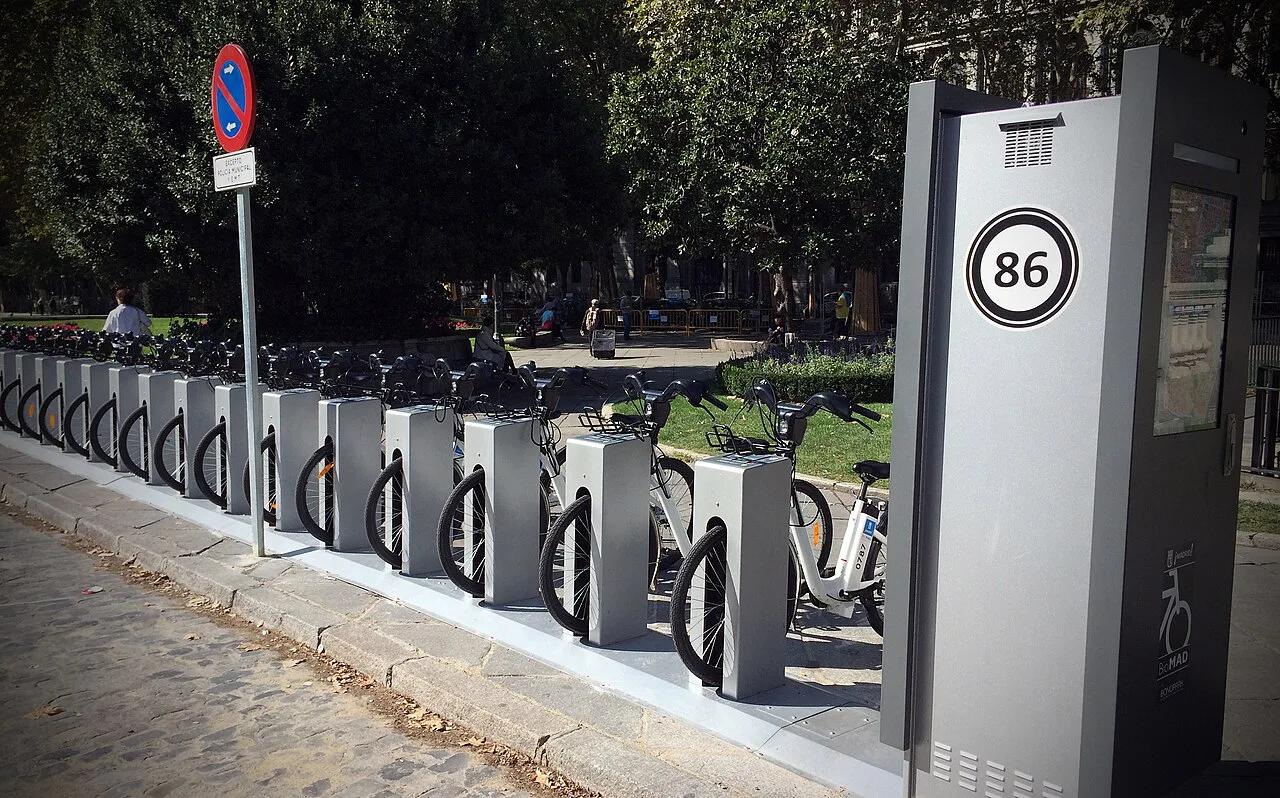
Last updated November 2026: bicimad, the Madrid bike share, is the city's public electric bicycle system run by EMT Madrid. You get access by registering or logging in through its app, which unlocks bikes and charges your linked payment method. Visitors should check the current eligibility terms on the official bicimad website before building a day around it.
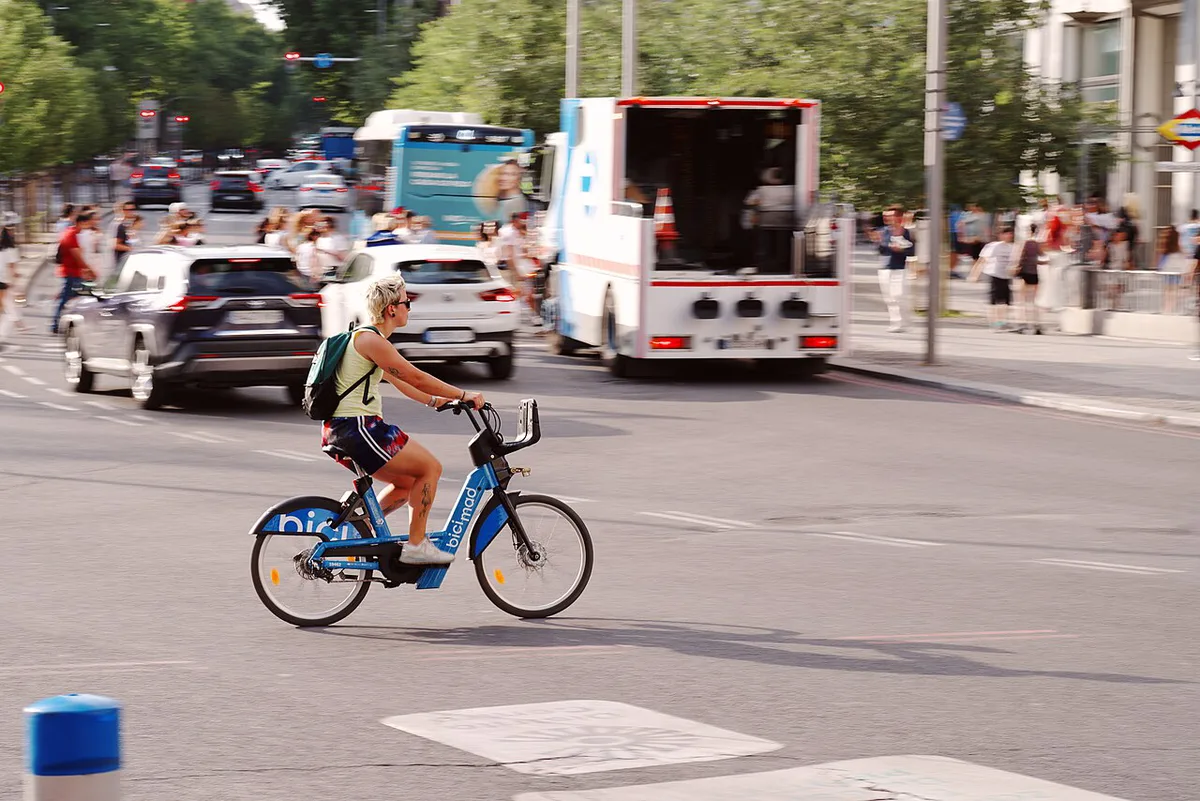
Featured image: Microsiervos Geek Crew, CC BY 2.0, via Wikimedia Commons.
Can Visitors Use bicimad?
Don't treat a download as proof that you qualify as a tourist or non-resident. Settle the account rules before arrival, especially if your phone number isn't Spanish. On iPhone, the app requires iOS 16.6 or later. Keep another way across Madrid in your plan until your account is ready to unlock a bike.
Phones running older than iOS 16.6 cannot use the app, so plan a backup route from day one, not after a failed unlock.
- Eligibility: look for the terms covering tourists and non-residents.
- Identity and age: see which ID is accepted and what minimum age applies.
- Phone: check whether your number's country can complete registration.
- Payment: find out which cards or payment methods can be linked.
- Device: check app compatibility, including the current Android requirements if you use Android.
- Connection: arrange working mobile data for using the app away from Wi-Fi.
- Go or wait: rely on the service only once you meet the terms and your account works.
bicimad Costs and Payment
Before registering, open the current tariffs on bicimad's website and find the rate for your type of user. Price your expected ride there, then compare that total with your public transport fare or a private rental quote.
- Joining costs: sign-up charges or subscription fees.
- Ride charges: how trip length changes the total, including very short rides.
- Card terms: any deposit or temporary hold.
- Extra charges: penalties and the rules for failed or unfinished trips.
- Savings: any discount and who qualifies for it.
How to Register, Unlock and Ride With the bicimad App
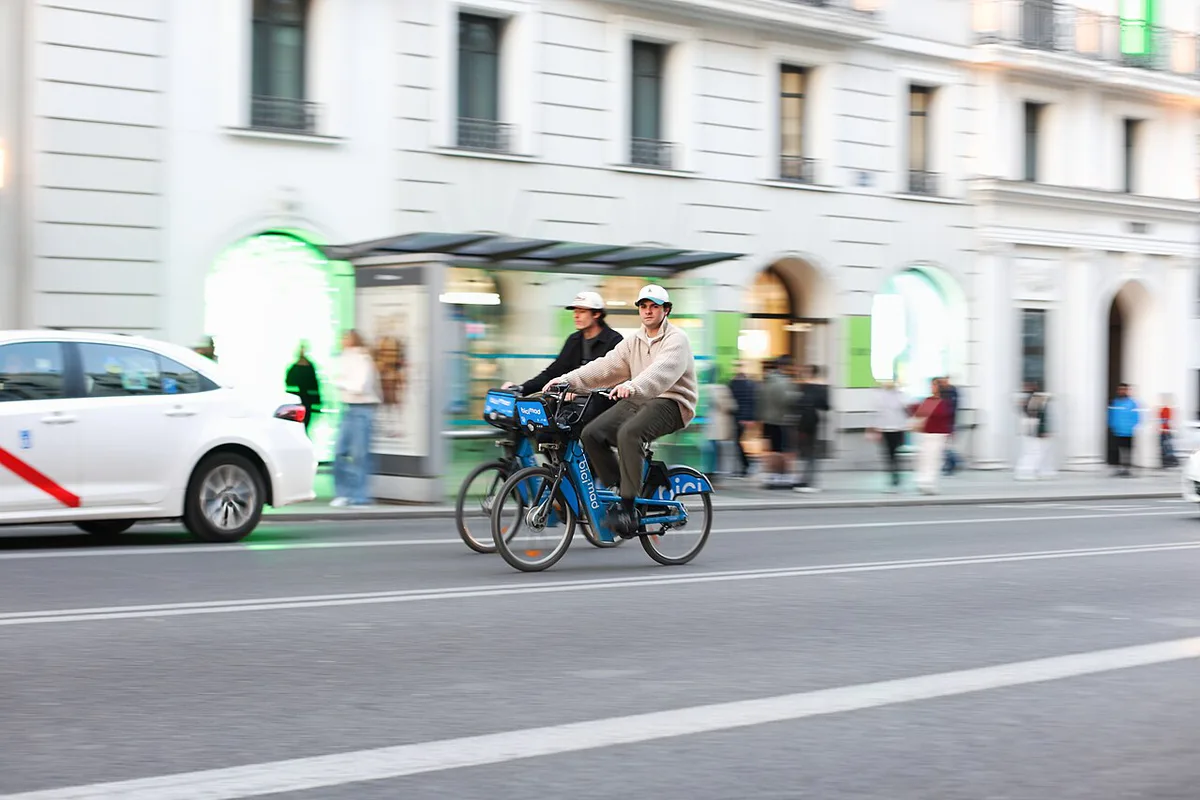
EMT Madrid's app handles both registration and bike unlocking. Its listed languages are Spanish and English. It also shows station and bike availability, saves favorite stations, reports incidents and keeps your trip history. Account management sits in the same app. For access without a smartphone, look for the operator's current alternatives before your travel day. Set up your account before you're standing beside a dock with somewhere to be.
- 1. Download the bicimad app published by EMT Madrid.
- 2. Register for an account, or log in if you already have one.
- 3. Complete any verification requested and link a payment method.
- 4. Use the map to find a station with an available bike.
- 5. Inspect the tires, brakes, saddle, lights and battery indication before you set off. This is our editorial safety advice.
- 6. Unlock your chosen bike through the app and follow its instructions.
- 7. Return the bike under the current rules and make sure the trip has ended.
Finding bicimad Stations and Returning a Bike
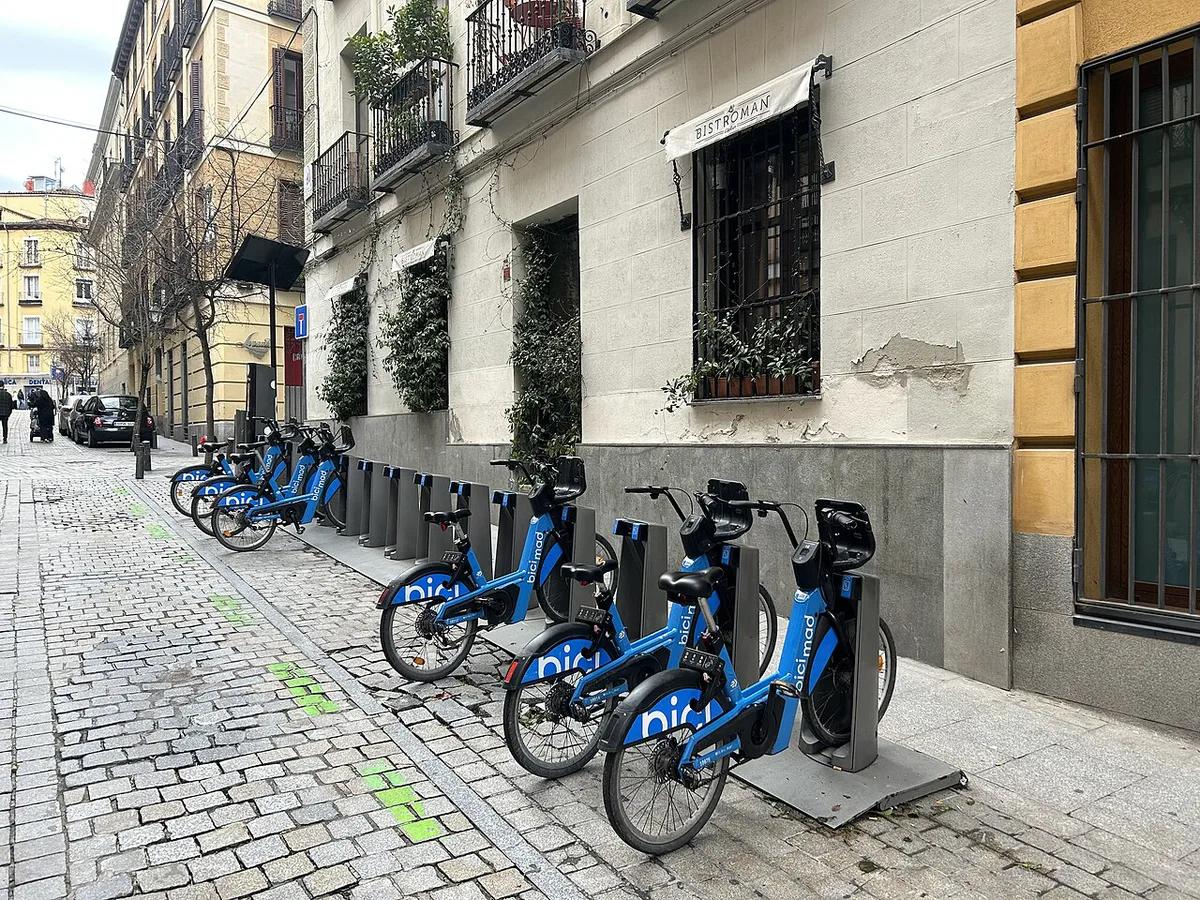
EMT Madrid's app description puts the network at more than 600 stations and 7,500 bikes across 21 districts. That is the size of the whole system, so it doesn't promise a bike or free dock at your corner. Before a trip, the app map shows bike availability. During a ride, it switches to docks. A plus sign marks undocked bikes near a station. Don't read that symbol as permission to leave your bike outside a dock. Choose a destination station and a nearby backup before setting off. Base both on your actual address, and leave time to walk from either one.
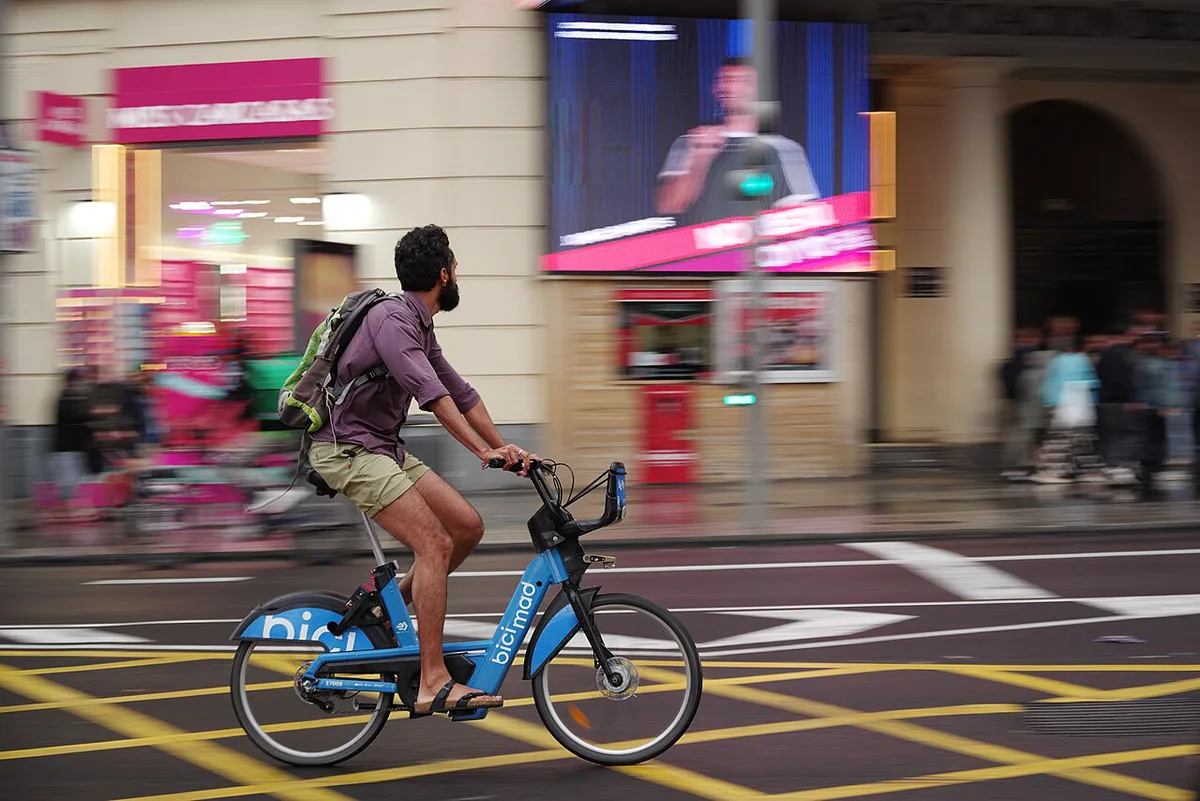
- Before leaving, learn what to do if your destination station is full.
- Check the permitted service area and any rules for parking away from a dock.
- At the end, follow the return instructions and look for confirmation that the trip is closed.
- Save a screenshot of the finished trip. This is our editorial record-keeping advice.
- If you need to stop mid-ride, find out whether the rental stays open and how the bike must be secured.
Madrid Riding Rules and Route Planning
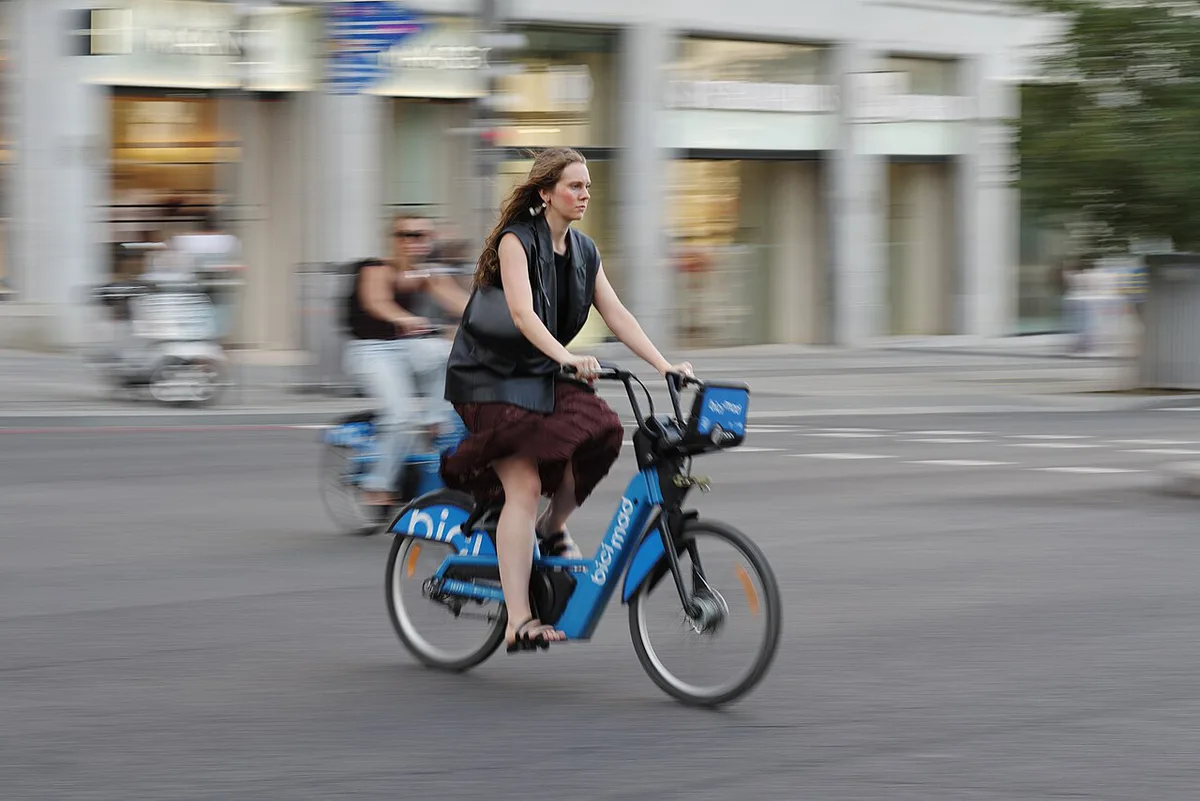
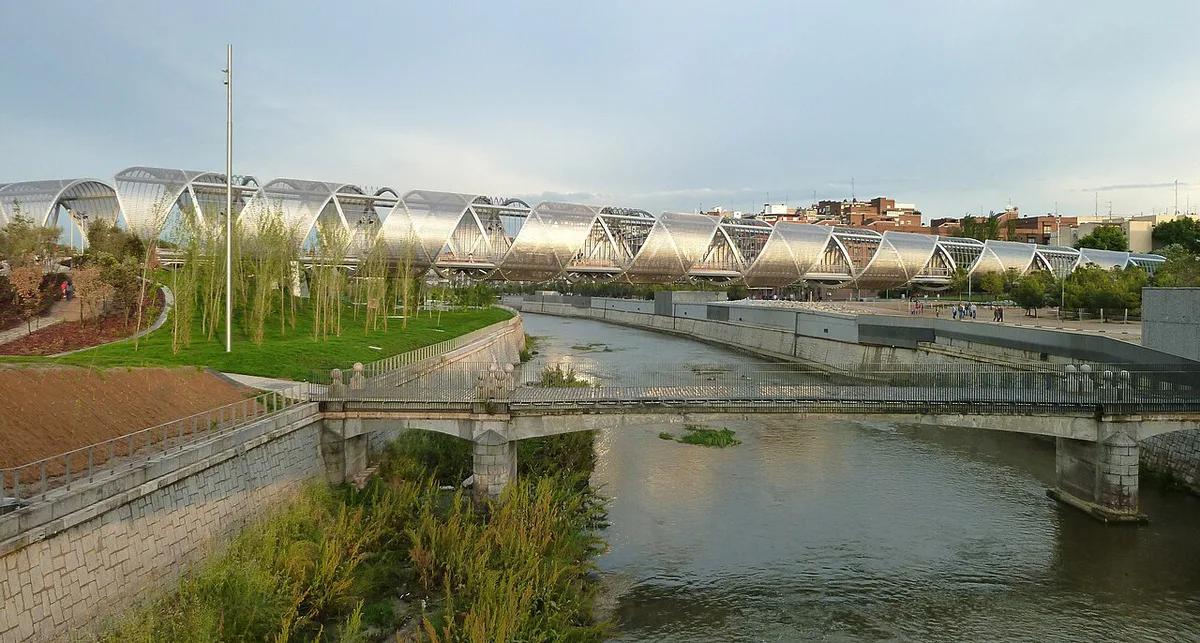
National road information comes from Spain's DGT traffic authority. For city restrictions, use current Madrid City Council guidance, especially for pavements, bus lanes and parks. Also check rules on helmets, children and passengers. A short line on a map can still involve a climb or an uncomfortable road. Review gradients, traffic and bike infrastructure along your exact route. For broader planning, our guide to riding around the capital is the next step. If you're considering a ride along Madrid Río, check park access and find your return station first. Electric assistance doesn't tell you whether a route suits your confidence or riding ability. Riders with access needs should also look for official details on bike weight, saddle adjustment and carrying capacity.
What to Do if bicimad Doesn't Work
Apple Maps lists +34 900 878 331 alongside bicimad.com. Check the operator's current contact details, including support hours and whether that number works from your phone. EMT Madrid says it fully renewed the system's technology in 2023, so be wary of older setup instructions. For an unresolved problem, our editorial advice is to record the time, station, bike number and any error screen. Switch to walking or public transport if a delay would disrupt a timed booking. EMT Madrid's website is the operator's starting point for wider transport information.
| Problem | What to do | What to keep |
|---|---|---|
| Registration or phone verification fails | Stop repeated attempts and ask official support whether your account and phone country are accepted | Error screen, phone country code and time |
| Bike won't unlock | Check your connection and app message, then report the fault before relying on another bike | Station, bike number and screenshot |
| Destination has no free dock | Follow the official full-station procedure or head to your backup if the rules and trip status allow | Arrival time and dock status |
| Bike won't lock or trip stays open | Contact support promptly and follow its instructions before leaving the bike | Station, bike number, trip screen and call time |
| Unexpected charge | Compare it with your trip history and tariff, then request a review | Receipt, payment record and trip screenshot |
| Theft or accident | Put personal safety first, call 112 in an emergency and notify the operator when safe | Location, time, bike number and incident details |
| Account or card removal | Use the account options and current privacy terms, or ask support | Your request and any reply |
Is bicimad Right for Your Trip?
Consider bicimad when you qualify, your account works and stations suit both ends of your journey. It's less convenient if phone setup is unresolved or you can't adjust around station availability. For a longer outing, compare the full public-share charge with renting a private bike. If route guidance matters, look at a guided ride in Madrid. For electric assistance with a group leader, compare a guided electric-bike outing. With children or a group, check every rider's eligibility and whether each needs a separate account. Walking or public transport may suit anyone who isn't comfortable riding in city traffic.
Network size is no guarantee at your corner, so judge fit by the station pair you'd actually use, not the 7,500 bikes across the whole city.
| Decision point | bicimad | Private rental | Guided bike tour | Walking or public transport |
|---|---|---|---|---|
| Setup and eligibility | Account, linked payment and applicable user terms | Check the provider's ID, age and payment rules | Check booking and participant rules | No bike account; transit requires valid fare access |
| Cost and trip length | Price your trip using current user tariffs | Compare the quoted rental period and extras | Compare the booking price and what it covers | Walking has no fare; check transit fares |
| Pickup and return | Station-based planning; check current parking rules | Check pickup, return location and deadline | Check meeting and finishing points | Follow your walking route or transit connections |
| Phone and availability | App access, bikes and return space matter | Check reservation and phone requirements | Check booking availability and ticket format | Walking needs no station dock; check transit service |
| Route guidance | Plan your route before riding | Ask whether guidance is offered | Confirm the route and level of guidance | Use a walking or transit route |
| Children, groups and confidence | Check account, age and riding suitability | Check bike sizes, group supply and rider suitability | Check age limits, group size and riding level | Check walking distance and station access needs |
| Stops along the way | Check rules for pausing or securing the bike | Ask about locks and safe parking | Ask how stops and bike security work | No rented bike to secure |